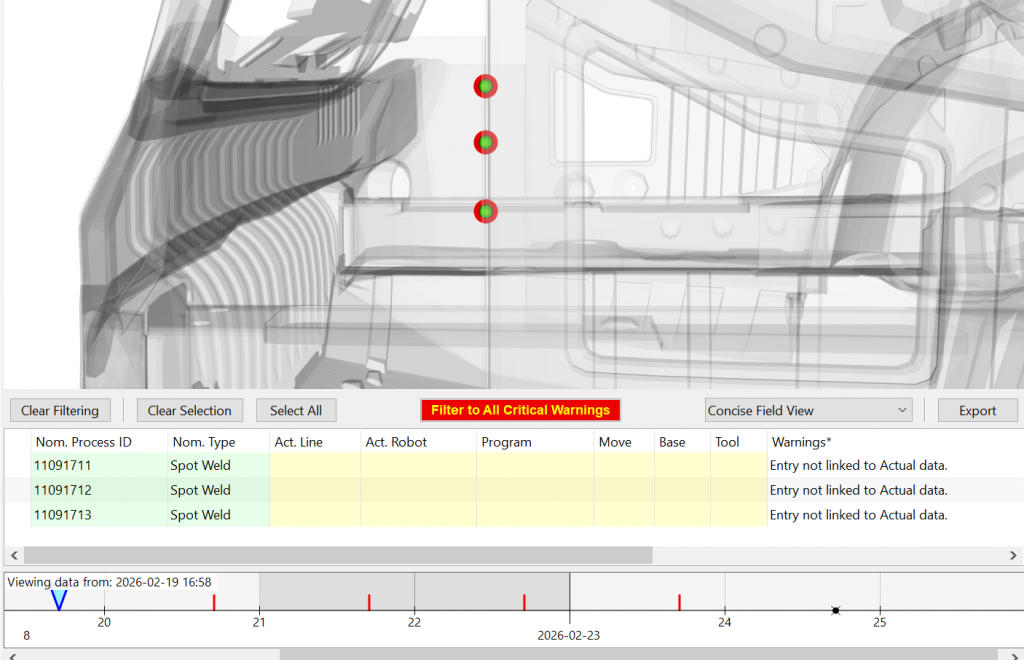
RoboLive® Visual’s newest version update 3.35 is scheduled for release on January 12th:
NEW PROCESS VISUALIZATIONS
New custom process visualizations have been designed for highly-requested joining types:
- RIVTAC
- Flow Drill
- Butyl Sealant
- Gap Filler
- Dreibond Sealer
These visualizations include relevant, specific details such as path, direction, and toggleable tool orientation.
CAD VIEW MODE – COLOR CHANGE
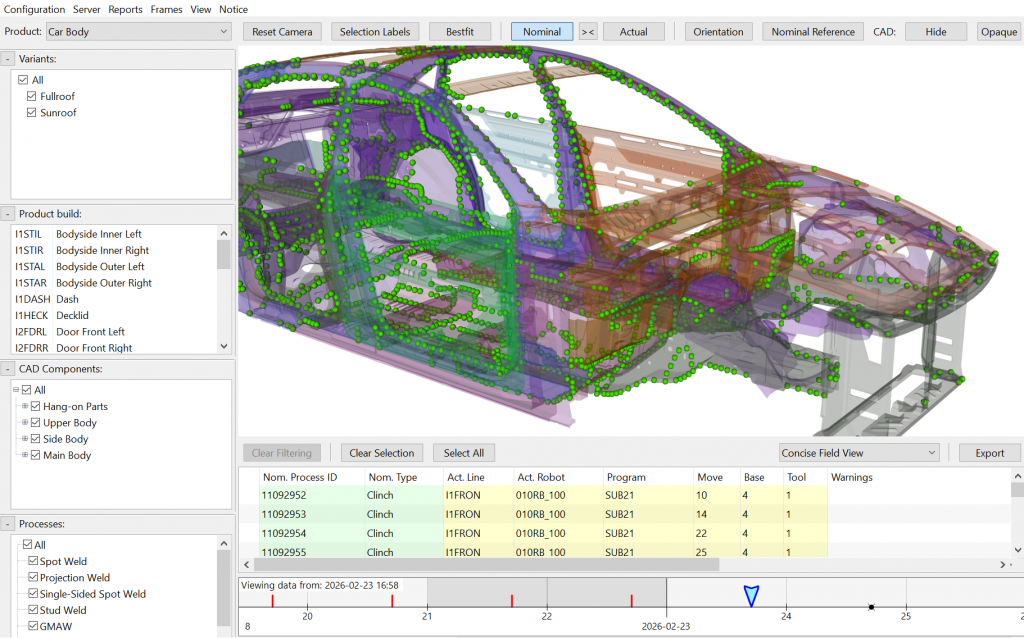
Users may now right click in the CAD Component menu and select Randomize Colors to change the default CAD visualization from a uniform gray tone to individual colors for each component. This view mode can provide greater visual clarity to a visualization of a complex product with many small component parts, and is available alongside existing CAD view options like wireframe mode.
PRODUCT BUILD MANAGEMENT
New features are available to streamline management of products, parts, and variants.
If a selected product has no variants, the variant selection module will now be automatically removed from the menu. Individual menus (such as the CAD Components window or Processes window) may now be minimized.
PLY FILE IMPORTING
PLY mesh files may now be imported by drag-and-drop.
Customers using a previous version of RoboLive® Visual may be eligible for an update to RoboLive® Version 3.3.5. Contact your project lead for more information, or submit a ticket online today. Demo Client installations are available, as well as guided walkthroughs of new features with a staff engineers.
A complete log of major RoboLive® Visual can be viewed at the RoboLive® Support Center. To receive more updates about new versions, planned features, and beta testing, sign up for our email updates today.